
Connecting wall switches to Google Home lets you control lighting fixtures through the Google Home app, automated schedules, and Google Assistant voice commands on Nest smart speakers or displays. However, choosing the right smart switch depends on electrical wiring in your wall box and the communication protocol your setup uses, rather than voice assistant compatibility alone.
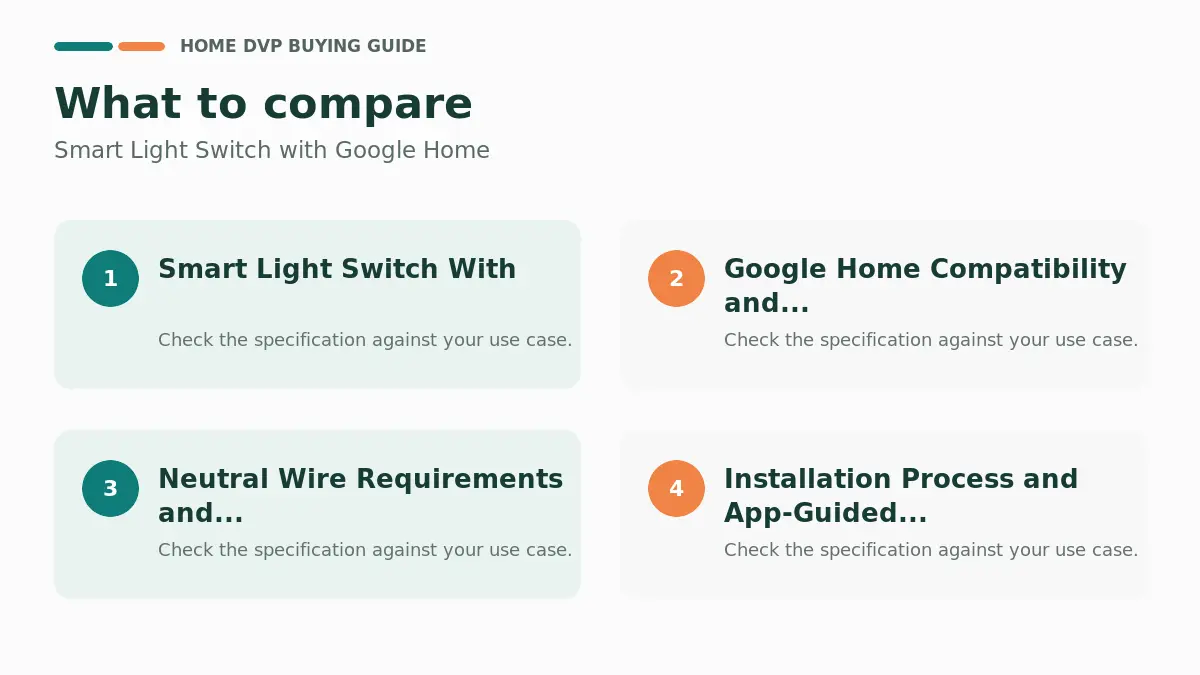
Quick Decision Guide: Choosing by Electrical Wiring
Before buying any smart switch, inspect your wall switch box. Most smart switches require a dedicated neutral wire (usually a bundle of white wires tucked inside the gang box) to power their internal Wi-Fi or radio radios 24/7. Homes built before the mid-1980s frequently lack neutral wires at the switch box.
- If you have a neutral wire: You can install direct Wi-Fi switches such as the TP-Link Tapo Matter Smart Light Switch or Kasa Smart Light Switch HS200P3, Single Pole, or robust relay switches like the Leviton Decora Smart Switch, Wi-Fi 2nd Gen.
- If you do not have a neutral wire: The Lutron Caseta Original Smart Dimmer Switch is designed specifically for two-wire configurations without a neutral wire, but it requires a dedicated bridge to communicate with Google Home.
- If you want platform-agnostic local control: Matter-certified switches communicate over standard Wi-Fi or Thread and connect directly to a Google Nest Hub without third-party cloud linking.
- If you control exhaust fans or ceiling fans: Ensure the switch is rated for inductive/motor loads (such as the 15A / 3/4 HP rating on Leviton’s D215S) rather than a dimmer, which can burn out fan motors. For standard fixtures, check your wiring against basic hardwired ceiling light installation safety standards.
Top Smart Switches for Google Home

Pros
- Integrates with Alexa and Google Assistant for on, off, delayed, and timed voice commands.
- Supports comprehensive timers and automation scenes without requiring a separate hub.
Cons
- Neutral wire is required, which can restrict installation in older homes lacking that connection.
- Works only on 2.4GHz WiFi and does not support 5GHz networks.
Best For / Avoid If
Best for buyers prioritizing
- Integrates with Alexa and Google Assistant for on, off, delayed, and timed voice commands.
- Supports comprehensive timers and automation scenes without requiring a separate hub.
- Rated for 120V/60Hz circuits up to 15A and 1800W, suitable for standard residential loads.
Consider another option if
- Neutral wire is required, which can restrict installation in older homes lacking that connection.
- Works only on 2.4GHz WiFi and does not support 5GHz networks.
- Included jumper wires are not compatible with smart bulbs, limiting certain lighting pairings.

Pros
- Matter support provides flexibility across different smart home platforms
- Local control feature ensures continued operation without internet
Cons
- Installation requires a neutral wire and 2.4 GHz Wi-Fi connection
- Limited to single-pole applications only
Specifications
| Operation Mode | Off,Smart Switch |
|---|---|
| Current Rating | 15 Amps |
| Operating Voltage | 120 Volts |
| Contact Type | Normally Closed |
| Connector Type | Screw |
| Switch Type | One-way |
| Terminal | Screw |
| Circuit Type | 1-way |
| Mounting Type | Pole,Wall Mount |
| Actuator Type | Push Button |
Verify the current product variation before purchase; specifications may change.
Best For / Avoid If
Best for buyers prioritizing
- Matter support provides flexibility across different smart home platforms
- Local control feature ensures continued operation without internet
- App guidance assists with installation requirements
Consider another option if
- Installation requires a neutral wire and 2.4 GHz Wi-Fi connection
- Limited to single-pole applications only
- May require professional help for users unfamiliar with electrical work

Pros
- Direct Wi-Fi connection removes the need for extra hardware
- Voice assistant compatibility adds convenient hands-free use
Cons
- Requires existing neutral wiring which may be absent in older homes
- Limited to 2.4 GHz Wi-Fi networks
Specifications
| Operation Mode | Automatically,Off,Smart Switch |
|---|---|
| Current Rating | 15 Amps |
| Operating Voltage | 120 Volts |
| Contact Type | Normally Open |
| Connector Type | Screw |
| Switch Type | Rocker |
| Terminal | Screw |
| Circuit Type | 1-way |
| Mounting Type | Pole |
| Actuator Type | Rotary |
Verify the current product variation before purchase; specifications may change.
Best For / Avoid If
Best for buyers prioritizing
- Direct Wi-Fi connection removes the need for extra hardware
- Voice assistant compatibility adds convenient hands-free use
- Scheduling and away features support automated home routines
Consider another option if
- Requires existing neutral wiring which may be absent in older homes
- Limited to 2.4 GHz Wi-Fi networks
- Users unfamiliar with electrical work should consult an electrician

Pros
- Manages two circuits in a compact flush design
- Works with major voice assistants without a hub
Cons
- Requires neutral wire presence for operation
- Limited to 2.4 GHz Wi-Fi connections
Specifications
| Operation Mode | Off, Smart Switch |
|---|---|
| Current Rating | 15 Amps |
| Operating Voltage | 120 Volts |
| Contact Type | Normally Closed |
| Connector Type | Screw |
| Switch Type | One-way |
| Terminal | Screw |
| Circuit Type | 1-way |
| Mounting Type | Pole, Wall Mount |
| Actuator Type | Hinge Lever |
Verify the current product variation before purchase; specifications may change.
Best For / Avoid If
Best for buyers prioritizing
- Manages two circuits in a compact flush design
- Works with major voice assistants without a hub
- Includes away mode and timer options for automation
Consider another option if
- Requires neutral wire presence for operation
- Limited to 2.4 GHz Wi-Fi connections
- First-time electrical work may need professional support

Pros
- Broad ecosystem compatibility including Apple Home and SmartThings
- Convenient app for managing schedules remotely
Cons
- Installation requires a neutral wire connection
- Users without existing smart home setups may need to download additional apps
Best For / Avoid If
Best for buyers prioritizing
- Broad ecosystem compatibility including Apple Home and SmartThings
- Convenient app for managing schedules remotely
- Matter readiness for seamless integration
Consider another option if
- Installation requires a neutral wire connection
- Users without existing smart home setups may need to download additional apps

Pros
- Broad compatibility with major voice assistants and Matter after update
- Auto-shutoff timer helps prevent lights from staying on in unused spaces
Cons
- Requires a neutral wire in the electrical box for operation
- Operates only on 2.4 GHz Wi-Fi networks
Specifications
| Operation Mode | automatic |
|---|---|
| Current Rating | 15 Amps |
| Operating Voltage | 120 Volts |
| Contact Type | Normally Open |
| Connector Type | Wireless |
| Switch Type | Flow Switch, Rocker |
| Terminal | Physical |
| Circuit Type | 3-way |
| Mounting Type | Wall Mount |
| Actuator Type | Rocker |
Verify the current product variation before purchase; specifications may change.
Best For / Avoid If
Best for buyers prioritizing
- Broad compatibility with major voice assistants and Matter after update
- Auto-shutoff timer helps prevent lights from staying on in unused spaces
- Slim design and color-change options allow matching existing decor
Consider another option if
- Requires a neutral wire in the electrical box for operation
- Operates only on 2.4 GHz Wi-Fi networks
- Matter features need a separate firmware update via the app

Pros
- No neutral wire needed for accessible installation in varied home wiring setups
- Broad smart platform compatibility enables flexible automation options with hub
Cons
- Smart app, voice and automation features require a separate Lutron Smart Hub
- Wall plate and Pico remotes sold separately for complete multi-location setups
Best For / Avoid If
Best for buyers prioritizing
- No neutral wire needed for accessible installation in varied home wiring setups
- Broad smart platform compatibility enables flexible automation options with hub
- Operates as a standard dimmer and with Pico remotes even without the hub
Consider another option if
- Smart app, voice and automation features require a separate Lutron Smart Hub
- Wall plate and Pico remotes sold separately for complete multi-location setups
- 150W LED capacity may limit use with larger or higher-load lighting groups
Pros
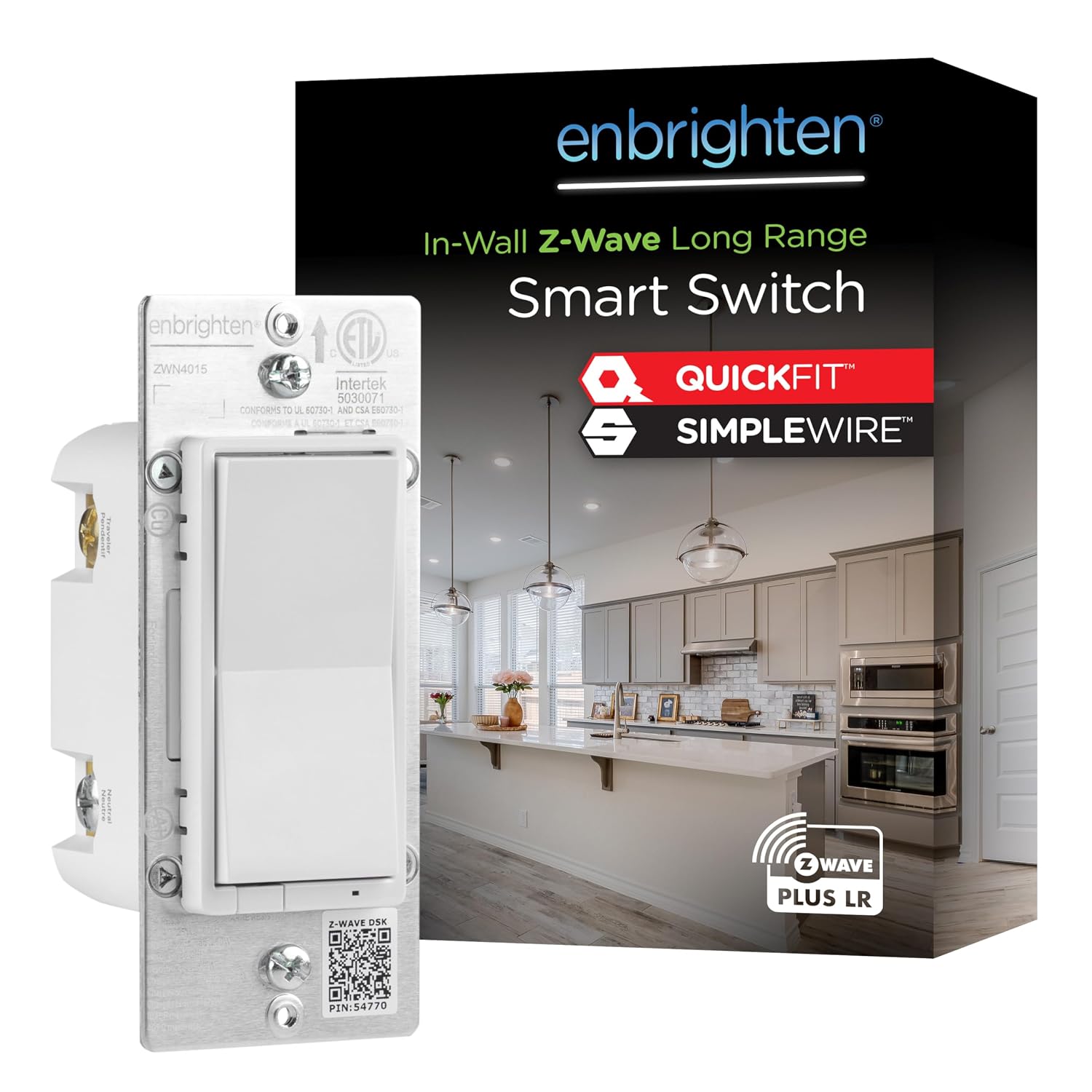
- QuickFit and SimpleWire features reduce installation complexity for hardwired smart upgrades
- Long-range Z-Wave support improves coverage across larger homes or multi-unit buildings
Cons
- A compatible Z-Wave certified hub is required before smart or voice features become available
- Complete multi-location smart operation may require separate Enbrighten add-on switches
Best For / Avoid If
Best for buyers prioritizing
- QuickFit and SimpleWire features reduce installation complexity for hardwired smart upgrades
- Long-range Z-Wave support improves coverage across larger homes or multi-unit buildings
- Broad hub compatibility includes popular options such as SmartThings, Ring Alarm, and others
Consider another option if
- A compatible Z-Wave certified hub is required before smart or voice features become available
- Complete multi-location smart operation may require separate Enbrighten add-on switches
- Initial pairing with a hub can involve a short learning curve for first-time Z-Wave users

Pros
- Extensive listed compatibility with major voice assistants and smart home brands
- High 75-device capacity for scalable Caseta dimmers, switches, shades, and remotes
Cons
- Requires separate Caseta dimmers, switches, or shades for complete lighting control
- Works primarily within the Lutron Caseta ecosystem which may not suit mixed-brand setups
Best For / Avoid If
Best for buyers prioritizing
- Extensive listed compatibility with major voice assistants and smart home brands
- High 75-device capacity for scalable Caseta dimmers, switches, shades, and remotes
- Simple outlet-plug installation with app-guided configuration
Consider another option if
- Requires separate Caseta dimmers, switches, or shades for complete lighting control
- Works primarily within the Lutron Caseta ecosystem which may not suit mixed-brand setups
- Advanced multi-room expansions depend on additional compatible accessories
Pros
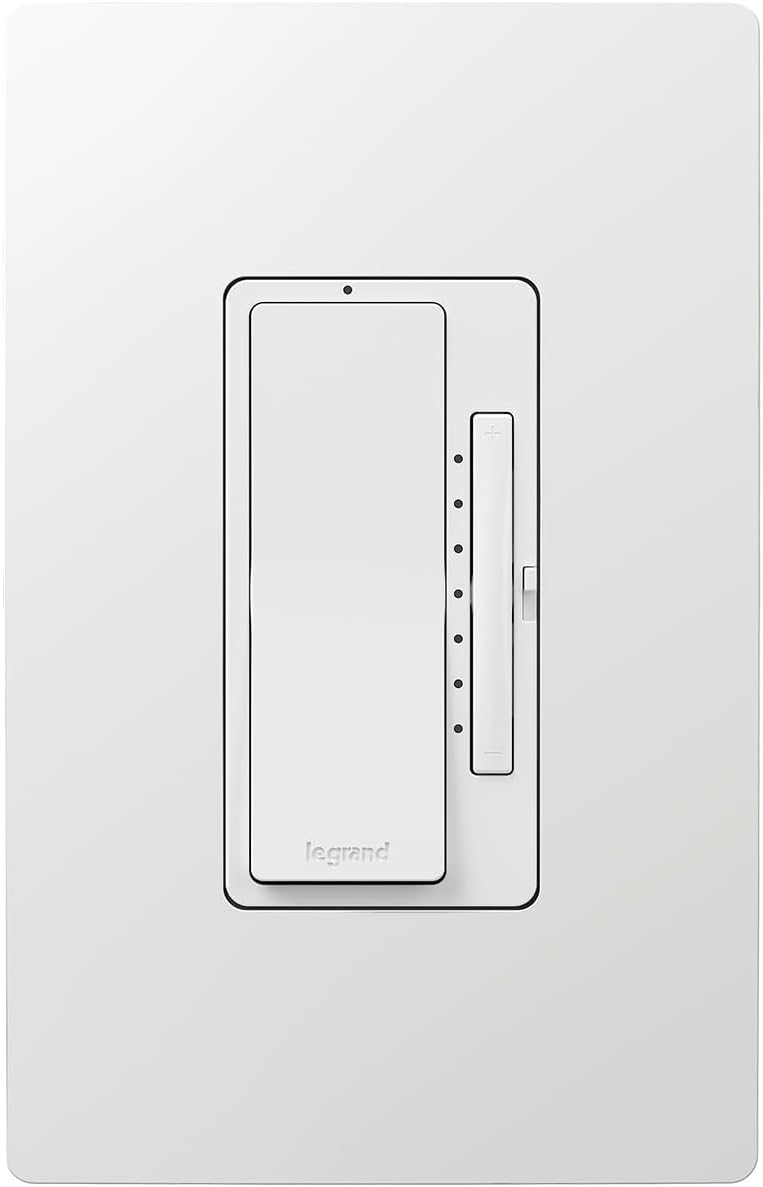
- Broad Matter compatibility with leading smart home platforms
- Precise LED light control including scenes and scheduling options
Cons
- A Matter-compatible hub is required for setup and operation
- Neutral wire is needed during installation which some older homes may lack
Best For / Avoid If
Best for buyers prioritizing
- Broad Matter compatibility with leading smart home platforms
- Precise LED light control including scenes and scheduling options
- Effortless Wi-Fi connectivity with Alexa frustration-free setup support
Consider another option if
- A Matter-compatible hub is required for setup and operation
- Neutral wire is needed during installation which some older homes may lack
- Users new to smart home systems may need extra time to confirm platform compatibility
In-Depth Option Comparisons
TP-Link Tapo Matter Smart Light Switch (Tapo S505)
The TP-Link Tapo Matter Smart Light Switch operates on 2.4 GHz Wi-Fi and utilizes the Matter standard. Because it supports Matter, it offers Multi-Admin capability, allowing it to sync simultaneously with Google Home, Apple Home, and Alexa. It also supports local area network (LAN) control, meaning Google Home commands can execute locally even if your outbound home internet connection goes down. It requires a neutral wire and fits standard single-pole configurations.
Lutron Caseta Original Smart Dimmer Switch (PD-6WCL-WH)
For homes without neutral wiring in the wall boxes, the Lutron Caseta Original Smart Dimmer Switch is the leading hardware solution. It handles dimmable LEDs up to 150W and uses Lutron’s Clear Connect RF band rather than crowded 2.4 GHz Wi-Fi. To link this switch to Google Assistant, you must use a Lutron Smart Hub (such as model L-BDG2-WH). While adding a hub increases the initial investment, it offloads wireless traffic from your router and provides high switching reliability. Three-way switching is handled cleanly by pairing wireless Pico remotes over the wall box instead of rewiring traveler lines.
Leviton Decora Smart Switch, Wi-Fi 2nd Gen (D215S-1RW)
If you need to switch non-dimmable fixtures, exhaust fans, or motor loads, the Leviton Decora Smart Switch, Wi-Fi 2nd Gen provides a 15A general-purpose and 3/4 HP motor rating. It connects directly to 2.4 GHz Wi-Fi without a separate hub and supports firmware updates to enable Matter. For multi-switch stairwells and hallways, the D215S supports both hardwired traveler companions (DD0SR) and wire-free Anywhere companions (DAWSC), making it adaptable to complex multi-way circuits.
Leviton Decora Smart Dimmer Switch, Wi-Fi (D36HD-1RW)
For dedicated dimming control over 2.4 GHz Wi-Fi, the Leviton Decora Smart Dimmer Switch, Wi-Fi allows fine adjustment of minimum dim and maximum brightness levels to prevent LED flickering. It requires a neutral wire and integrates with Google Assistant directly via the My Leviton action or via Matter. Features include customizable fade rates and preset night levels that turn the light on at a softer intensity during late hours.
Kasa Smart Light Switch HS200P3
The Kasa Smart Light Switch HS200P3, Single Pole is a cost-effective choice for standard on/off lighting on 15A circuits. Connecting directly via 2.4 GHz Wi-Fi, it requires no proprietary hub and pairs with Google Assistant via cloud linking. It requires a neutral wire and is strictly limited to single-pole installations (one switch controlling one light fixture).
Key Specifications Compared
| Product | Neutral Required | Protocol | Circuit Configuration | Load Capacity |
|---|---|---|---|---|
| TP-Link Tapo Matter Smart Light Switch | Yes | Wi-Fi / Matter | Single Pole | Standard Lighting |
| Lutron Caseta Original Smart Dimmer Switch | No | Clear Connect (Hub req.) | Single Pole / 3-Way (Pico) | 150W LED / Incandescent |
| Leviton Decora Smart Switch, Wi-Fi 2nd Gen | Yes | Wi-Fi / Matter upgradeable | Single Pole / 3-Way | 15A / 3/4 HP Motor |
| Leviton Decora Smart Dimmer Switch, Wi-Fi | Yes | Wi-Fi / Matter | Single Pole / 3-Way | 300W LED / 600W Incand. |
| Kasa Smart Light Switch HS200P3, Single Pole | Yes | 2.4 GHz Wi-Fi | Single Pole | 15A General Lighting |
| Enbrighten 800 Series Z-Wave On/Off Paddle Switch | Yes | Z-Wave 800LR (Hub req.) | Single Pole / Direct 3-Way | 15A Lighting / Motors |
How to Connect a Smart Switch to Google Home
Depending on the hardware, pairing follows one of two routes:
Method A: Matter Pairing (Direct to Google Home)
- Ensure you have a Google Nest device that functions as a Matter controller (such as a Nest Hub or Nest Audio).
- Open the Google Home app, tap the “+” icon, and select Set up device > New device.
- Scan the QR code printed on the switch chassis or setup card.
- Assign the switch to a specific room in your home structure.
Method B: Cloud Account Linking (Wi-Fi, Lutron, and Z-Wave Hubs)
- Install the manufacturer’s companion app (e.g., Kasa, My Leviton, or Lutron) and complete hardware setup.
- Open the Google Home app and tap Settings > Works with Google.
- Search for your switch brand (such as “Lutron” or “TP-Link Kasa”) and authenticate your account credentials.
- Once linked, import the discovered switches and map them to their corresponding rooms for coordinated voice control alongside other lighting and fan controls.
Frequently Asked Questions
Can I use smart bulbs with a smart wall switch?
Standard mechanical smart switches cut mains electrical power when turned off, which disconnects smart bulbs from your network and leaves them unresponsive. If you use smart bulbs, match them with compatible wireless controllers or evaluate compatible light bulb types to ensure the wall control and light source do not conflict.
Why does my Wi-Fi smart switch fail to pair during setup?
Most Wi-Fi smart switches operate strictly on the 2.4 GHz frequency band and cannot negotiate connections on 5 GHz networks. If your home uses a combined dual-band Wi-Fi network, temporarily disable the 5 GHz band in your router settings during setup, or ensure your phone is connected to the 2.4 GHz channel.
What is the difference between single-pole and 3-way smart switches?
A single-pole switch controls a light fixture from one location. A 3-way switch circuit controls one fixture from two separate wall locations, such as the top and bottom of a staircase. Installing a single-pole smart switch in a 3-way circuit will disrupt normal circuit function. Always confirm circuit wiring before purchasing.